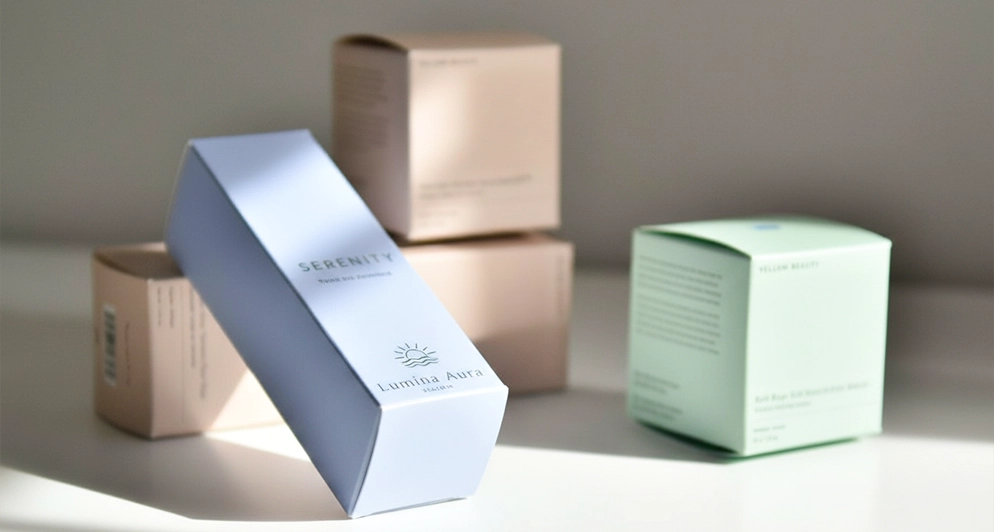
A dieline is the box laid out flat. Before any box exists, it is a two dimensional drawing at actual size that shows exactly where the board is cut, where it folds and where glue goes. The physical cutting tool, the die, is made from that drawing, which is why the drawing has to be geometrically exact rather than approximately right.
What the lines mean
| Element | What it is | What happens if it is wrong |
|---|---|---|
| Cut line | Where the board is cut through, including the outer profile and any window | The box is the wrong shape or a panel falls off |
| Crease or fold line | Where the board is scored so it folds cleanly | Panels crack, or the box will not fold square |
| Bleed | Artwork extended past the cut line so no white edge appears | Thin white slivers along the trimmed edges |
| Safe area | An inset margin where type and logos are safe from trimming | Text gets cut off or lost in a fold |
| Glue tab | The flap that is glued to close the structure | Print lands on a glued surface and the joint fails |
| Perforation | A broken cut line for tear strips and easy open features | The feature does not tear, or it tears when it should not |
Line colour conventions vary between suppliers, so do not rely on colour alone. Name your layers clearly, keep each line type on its own layer, and the intent survives whichever studio opens the file.
Why does the dieline have to be vector?
Because a cutting die is built from paths. A JPEG or PNG of a box template is a picture of paths, not paths, so nothing can be cut from it. Supply the dieline as vector artwork with fonts outlined, and keep the artwork placed onto that same document so the two are registered to each other.
Where should the artwork sit?
On its own layer, underneath the dieline layer, extending past every cut line by the bleed amount. The dieline layer itself does not print. Keep critical elements such as logos, barcodes and legal text inside the safe area and away from creases, because a barcode across a fold scans badly and type across a crease looks broken.
What if I do not have a dieline?
Then send measurements instead. Give the inside dimensions of the box you need in length x width x depth order, describe the structure, and design support is included with your order to build the dieline for you. You then place your artwork on the template and approve a digital proof before anything prints.
The mistakes that cost days
- Artwork sized to the outside of the box rather than the flat dieline, so nothing lines up when folded.
- Fonts left live rather than outlined, so type reflows on a machine that does not have the font.
- Panels designed the right way up individually, but rotated wrongly relative to each other when folded.
- RGB colour supplied for a CMYK press, which shifts on the proof and surprises everybody.
- Bleed missing entirely, which is the single most common reason a file goes back to a designer.
Send your measurements or your existing file to the quote form and you will get a dieline, a per unit price from about $0.48 at bulk volumes on a minimum of 100 boxes, and a digital proof before anything prints. Next, read how to design packaging artwork and whether custom boxes need a printing plate.